Product tour
Your controller.
On-screen touches.
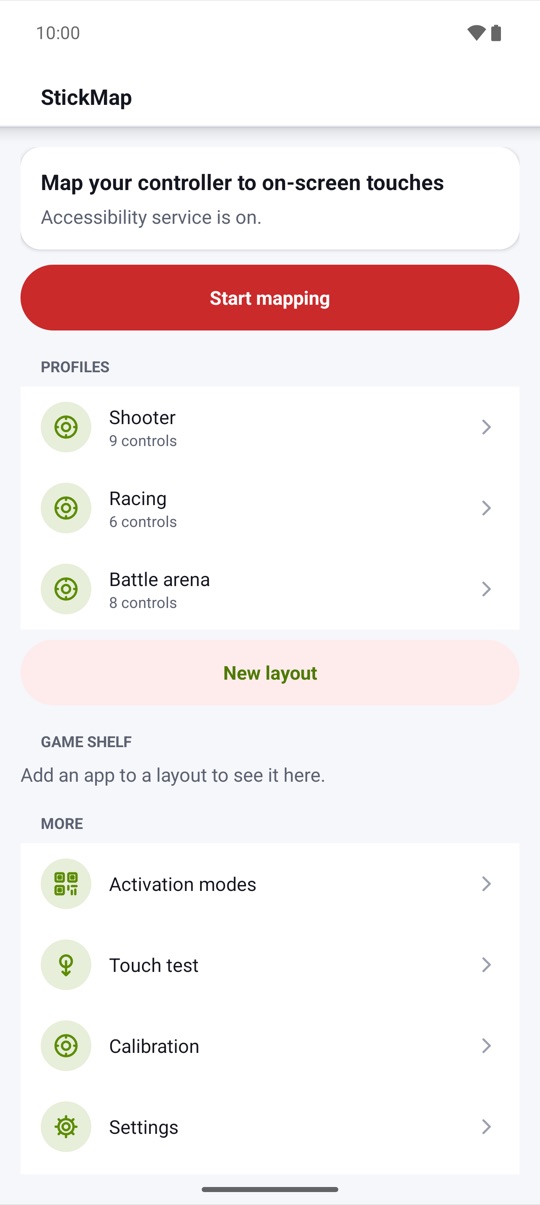
Start from a genre template, place controls over a touch-only game, bind each one with a press, and play with real buttons, sticks or a keyboard. Android 7 and newer. No ads, no account, no internet permission.
Free to try · Every activation mode is free · Phone & tablet
Overlay editor
Place a control,
press a button.
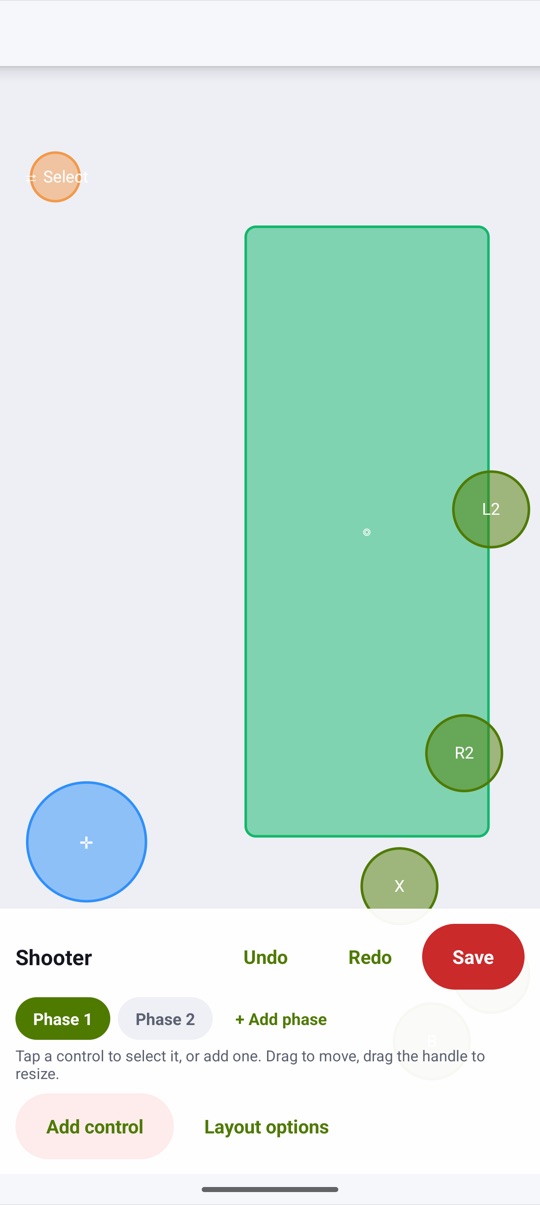
The editor floats over the app in front. Drag to move, drag the handle to resize, add a label, undo and redo, set the opacity, snap to a grid and scale everything with one size slider. During play, binding hints can show your keys over the game at the opacity you choose, or every key can stay hidden.
- Tap, hold, toggle hold, joystick, D-pad and camera zone
- Virtual mouse, scroll and trigger thresholds, free
- Positions saved as fractions of the screen, portrait and landscape
Joystick and camera
Real sticks,
smooth drags.
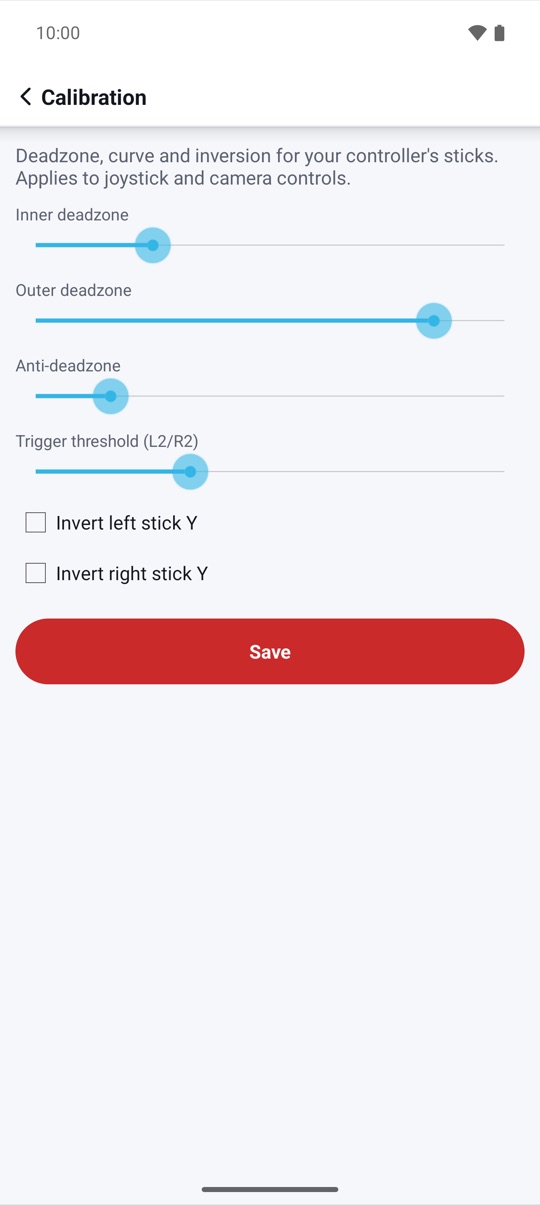
The left stick, the D-pad or a keyboard's WASD drives a virtual joystick with its own size and response curve. The right stick drags inside a camera zone, with sensitivity, acceleration, curve and invert. With smart cast, hold a button and steer a skill stick, then release to let go or slide into a cancel zone.
- Inner and outer deadzone, anti-deadzone and curve
- Analog sticks in gesture mode on Android 14+
- Analog on any supported version with multi-touch mode
Activation
Three ways to activate,
all free.
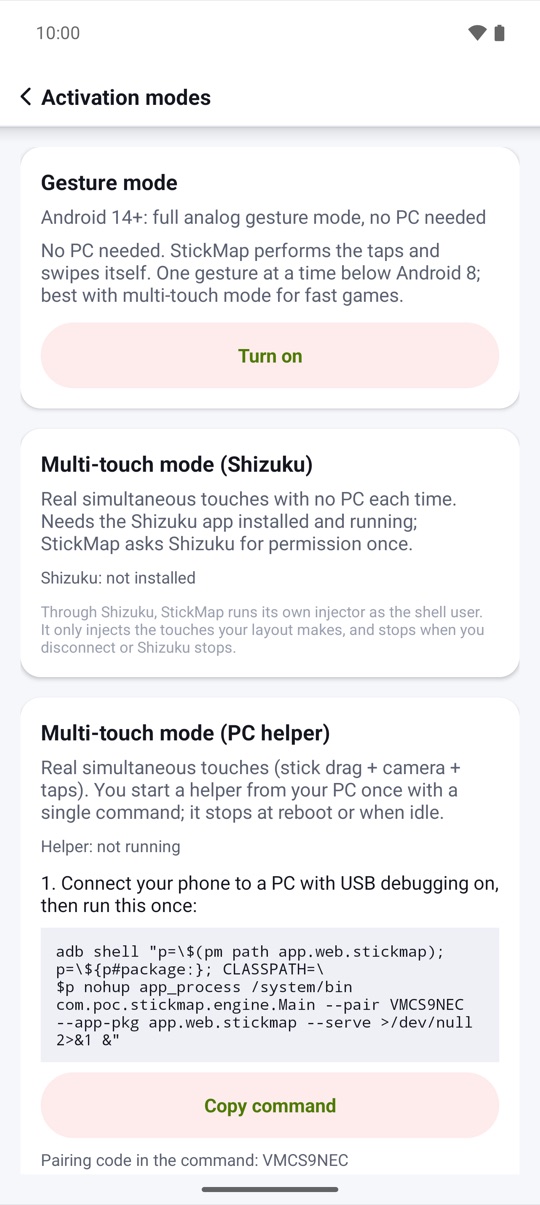
Gesture mode needs no PC: StickMap performs the taps and swipes through Android's Accessibility service. For real simultaneous touches, use multi-touch mode with the Shizuku app, or with a PC helper you start with one adb command. Try every mode for free before you decide on Pro.
- Gesture mode on Android 7+, no PC needed
- Multi-touch with Shizuku: no PC each time
- PC helper with a fresh pairing code; stops at reboot
Layouts, phases and shelf
A layout
for every app.
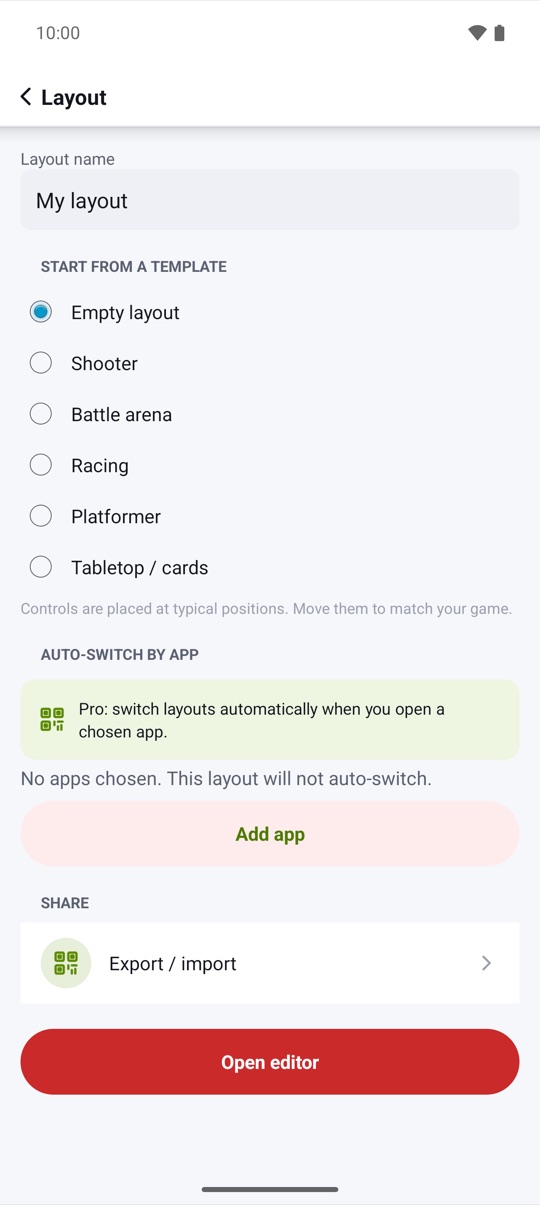
Make a layout for each game, with up to 8 phases, for example on foot, in a vehicle and in menus, switched by a button, a chord or the status chip. The game shelf opens your mapped apps with their layout ready. With Pro, StickMap switches layouts by itself when you open a chosen app.
- Choose per layout whether sticks are captured
- Choose whether unmapped buttons reach the game
- Mapping never runs on the home screen
Share and back up
Your layouts,
safe and portable.
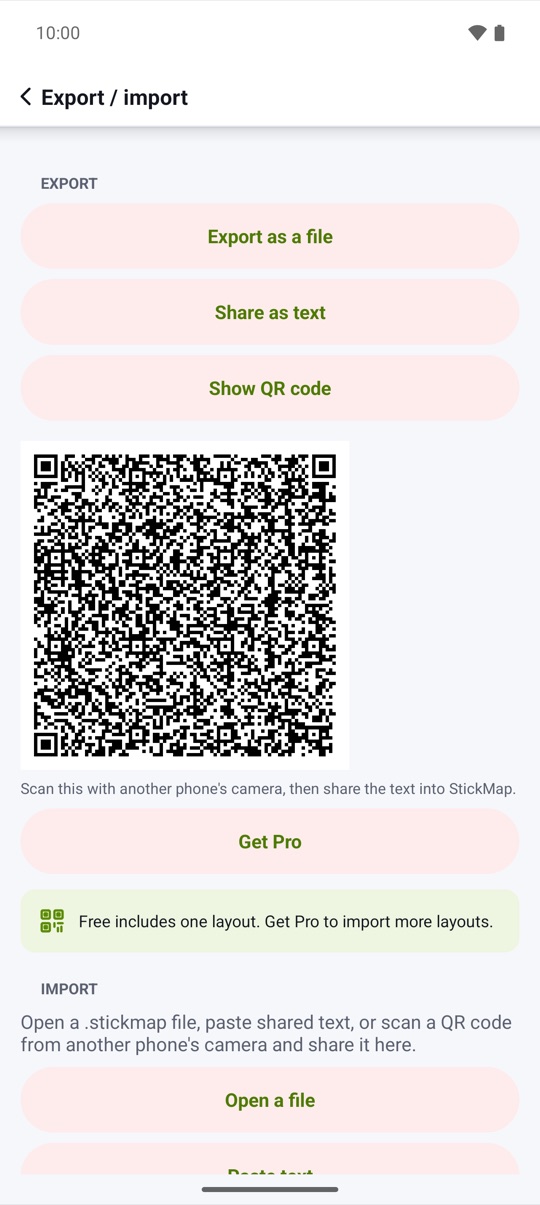
Export a layout as a .stickmap file, as text or as a QR code shown right on the share screen, and import it on another device. Every import is checked against the same limits as the editor. An encrypted full backup goes to a file you choose and never leaves your device unless you share it.
- Layout export is free
- Backup encrypted with AES-256-GCM and your password
- Backup and restore are never behind Pro
Touch test
See every touch
it makes.
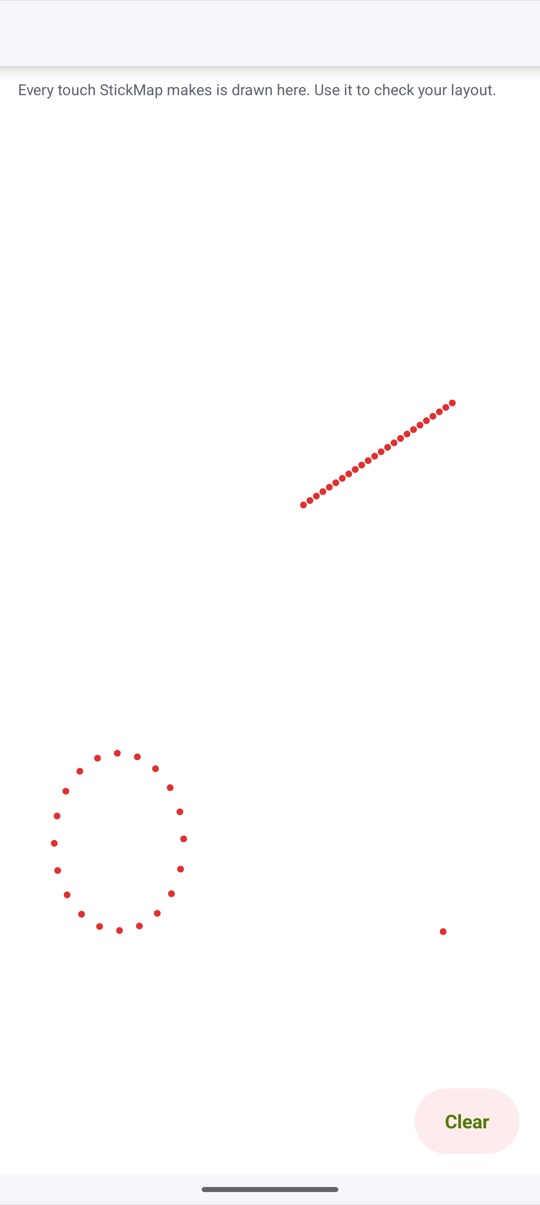
The touch test canvas draws every touch StickMap makes, so you can check a layout before you open the game. Every touch follows a press or stick movement you made; nothing runs by itself.
- Taps, holds and drags drawn live
- Status chip shows the mode and phase in use
- Fair-play notice before your first layout
And more
The small things,
done right.
Screenshots
Every screen,
exactly as it ships.
Every screen below is a real screenshot.